
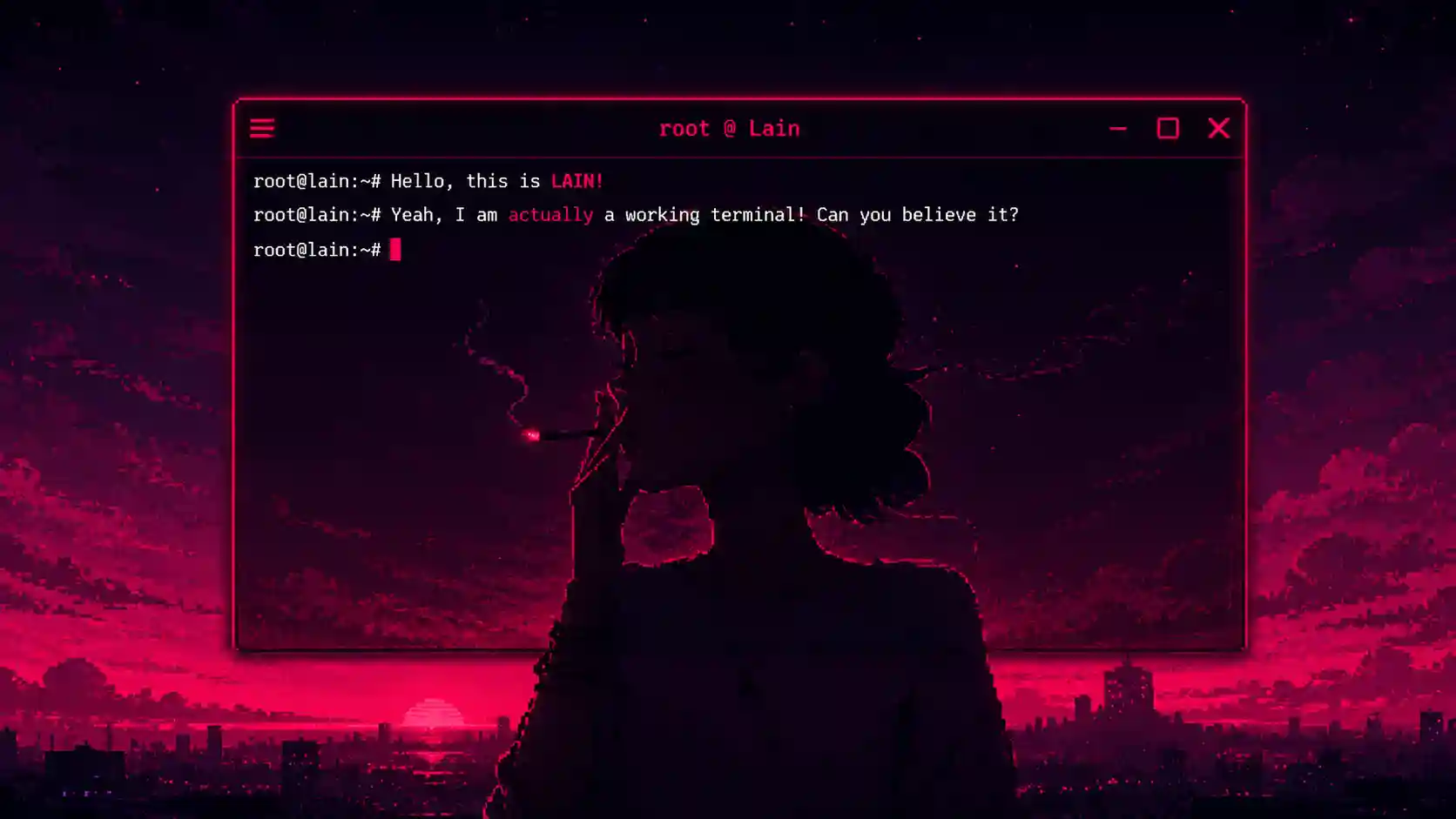
Intro
An HTML/CSS/JS terminal is nothing new. A few of them exist already, Jquery Terminal and ttty come to mind. I could have just used one of those for this project, but I ran into issues when customizing them to my liking, specifically getting a custom caret to work properly. So I wrote one from scratch.
The Caret Problem
HTML and CSS do not let you customize the caret in text inputs or contenteditable elements. The default caret is a plain blinking line. You cannot change its shape, color, or animation. That is the entire story. HTML refuses to help us here.
The Solution
Standard <input> and <textarea> tags are the first things you reach for, and the first things you have to abandon. I used a <div> with contenteditable="true" instead, which gave me a text field without the usual constraints.
The caret itself is a <span> element styled entirely through CSS, giving full control over color, size, and blink speed. To make it behave like a real caret, JavaScript dynamically repositions it inside the editable <div> on every input event. The rest is event handling: keypress, arrow keys, and mouse clicks all need to update the caret's position so it actually tracks where the user is typing.
Result

Methods Overview
clear_console() removes all content from #MainTerm, calls kill_drop() and attach_bash() to reset the terminal to its initial state.
clear_cmd_history() resets the commandHistory array and prints a confirmation message.
attach_bash() appends a new terminal line to #MainTerm containing the bash prompt and an editable <div> for input. Sets up keyup and keydown listeners.
rebind_bash() reattaches event listeners to core_input after a new line is created. Handles input processing and caret repositioning.
addToHistory(command) pushes the entered command into the commandHistory array.
getPreviousCommand() and getNextCommand() cycle through commandHistory using an internal index, allowing arrow-key navigation through previous inputs.
updateCaretPosition() recalculates the position of #caret inside the input element. If the caret reaches the terminal's width boundary, it triggers a command submission.
submit_cmd() appends the current input to the terminal output, pushes it to history, and clears the input element for the next command.
getCaretPosition(element) returns the current caret offset within a contenteditable element.
term_echo(term_str) and term_echo_okay(term_str) append a line to the terminal with the standard prompt or a success-styled prompt, respectively.
HELP_PRINT() outputs available commands and their descriptions.
PARSE_CMD(CMD) identifies the command type from user input and dispatches to the corresponding handler, or prints an error for unknown commands.
Notes
This project is a work in progress, created mostly for fun. It serves as an experimental foundation for a potential library. It lacks adherence to naming conventions, it is far away from meeting the complex but intricate demands of the enterprise, and it was never meant to. But it can serve as an example of how to work around HTML's limitations to achieve groundbreaking functionality.
Now, seriously HTML. No custom carets? Rly? -.- !
I hope you enjoyed it, you can check the demo Here.
comments (0)
Markdown supported, fenced code encouraged.